Feature by feature
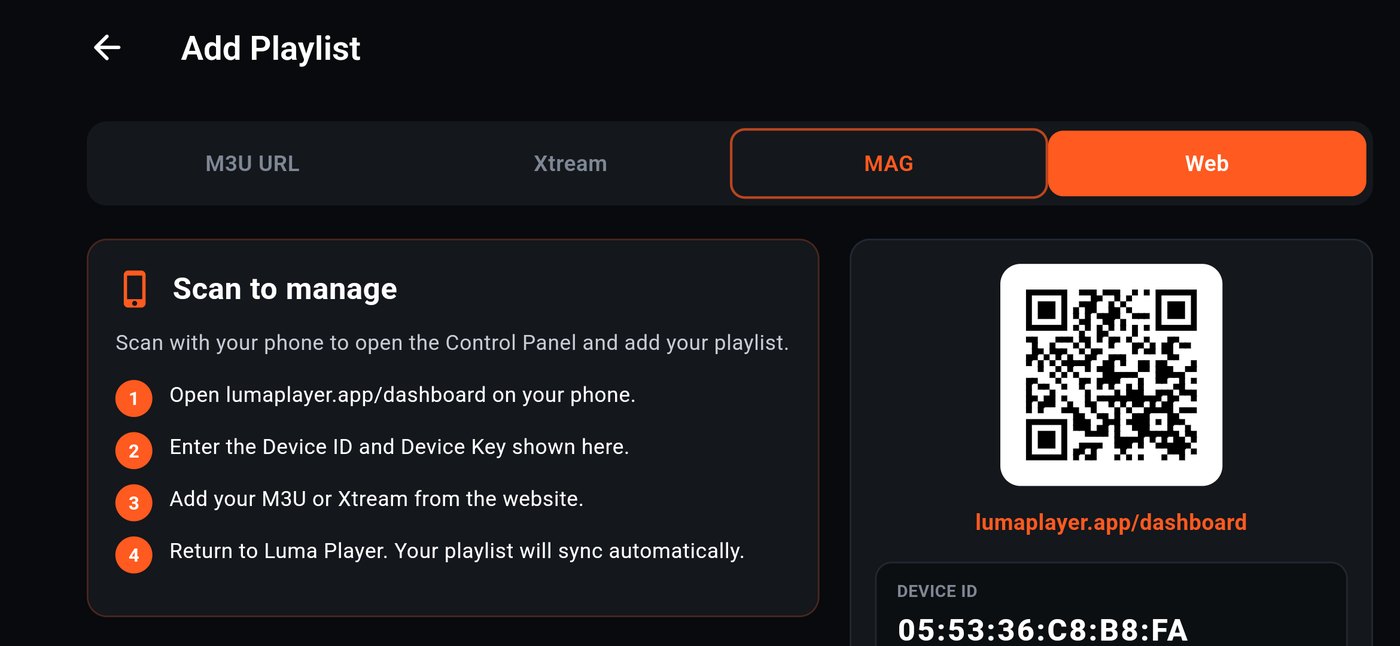
Add your playlist
Luma Player doesn't include any content — you bring your own. On first launch, tap “Add my first playlist” and choose how to connect: an M3U URL, an Xtream login, a MAG portal, or the Web dashboard — add it from any browser and it syncs to the app automatically.
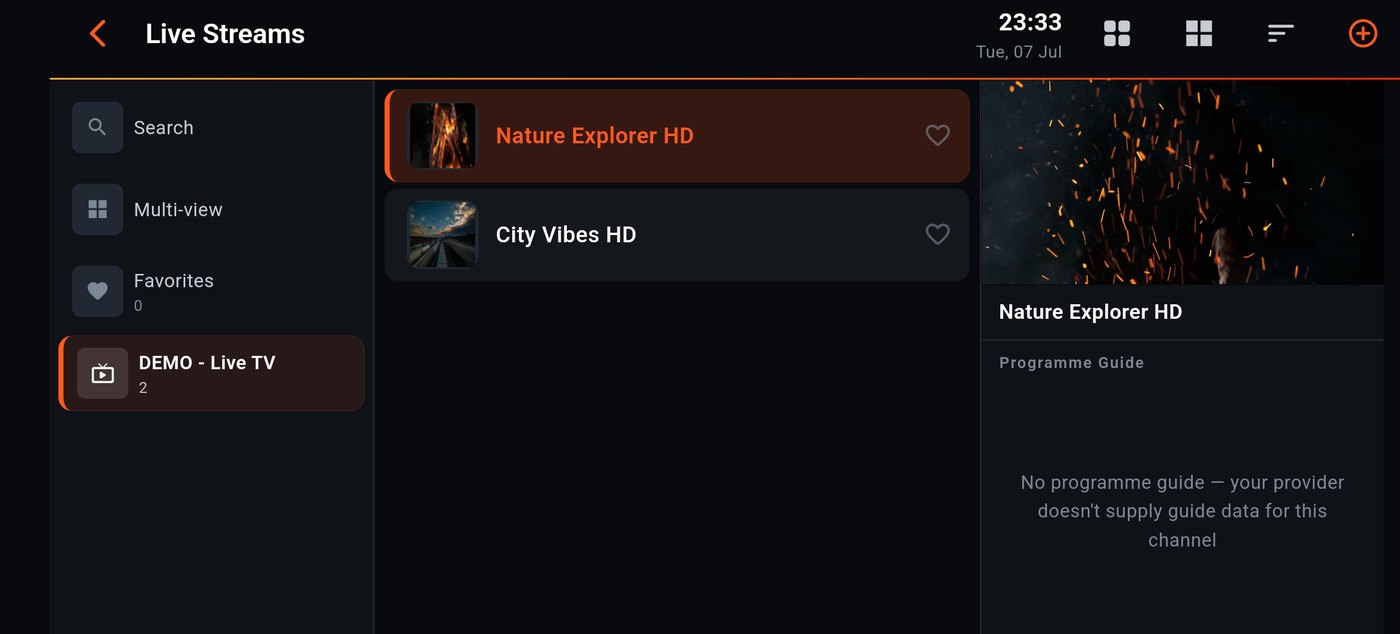
Watch Live TV
Open Live Streams to browse your channels by category in the sidebar. Select a channel to preview it instantly on the right, with the current programme shown below. Tap the heart to save favourites.

Fullscreen & channel zapping
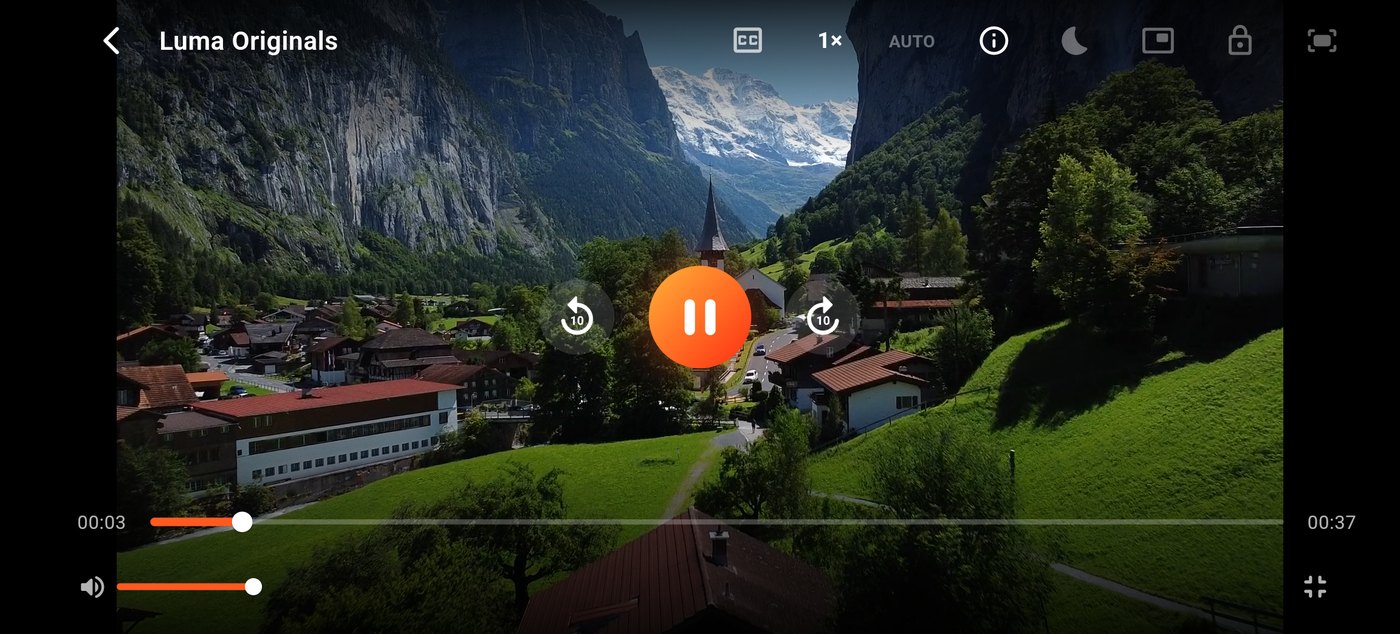
Tap the preview to go fullscreen. Use the on-screen controls — or on a TV remote press Up and Down — to change channels: a compact channel list appears so you always see where you're going. The Tools menu adds aspect ratio, audio track, sleep timer, lock and more.
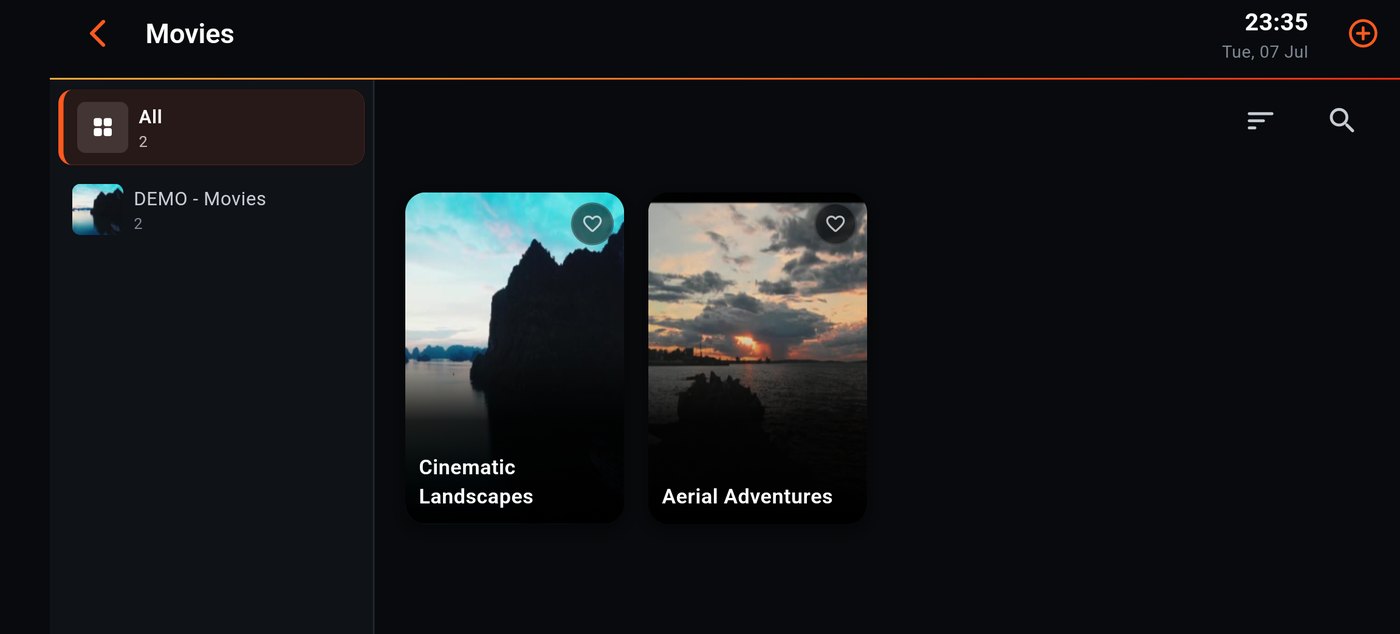
Movies
The Movies section organises your video-on-demand by category. Browse the grid, or use search and sort to find a title fast. Posters, ratings and year are shown at a glance.
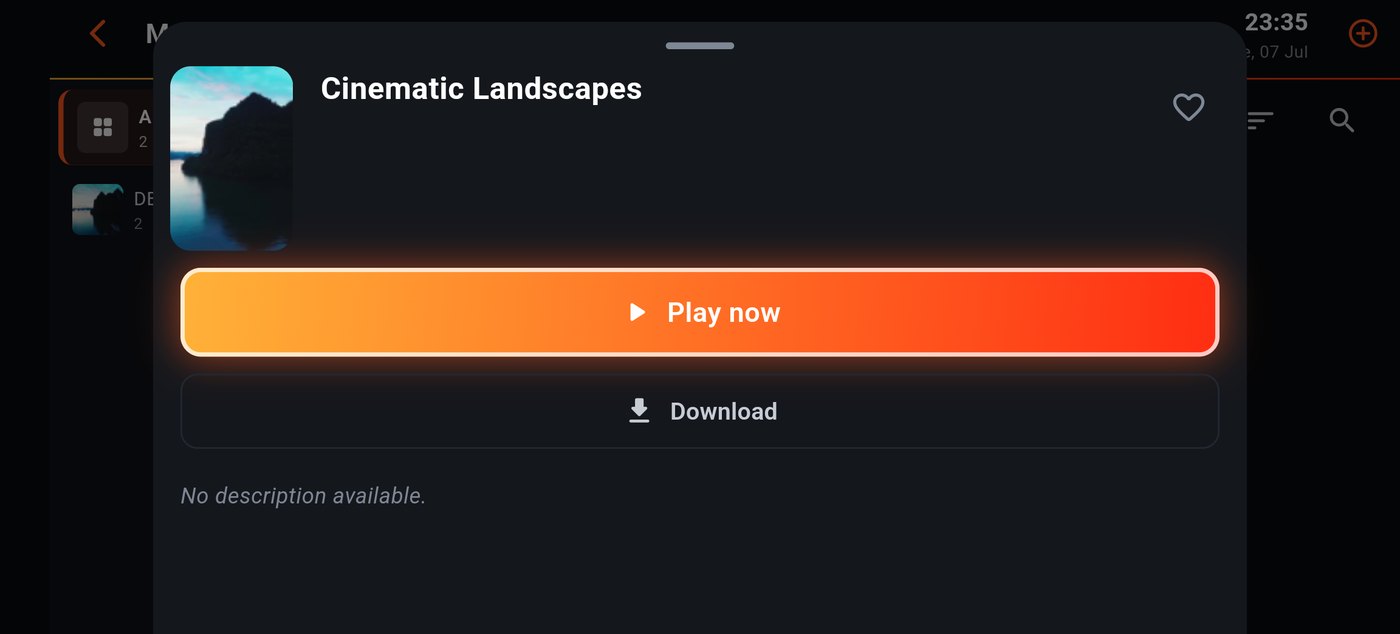
Details, resume & download
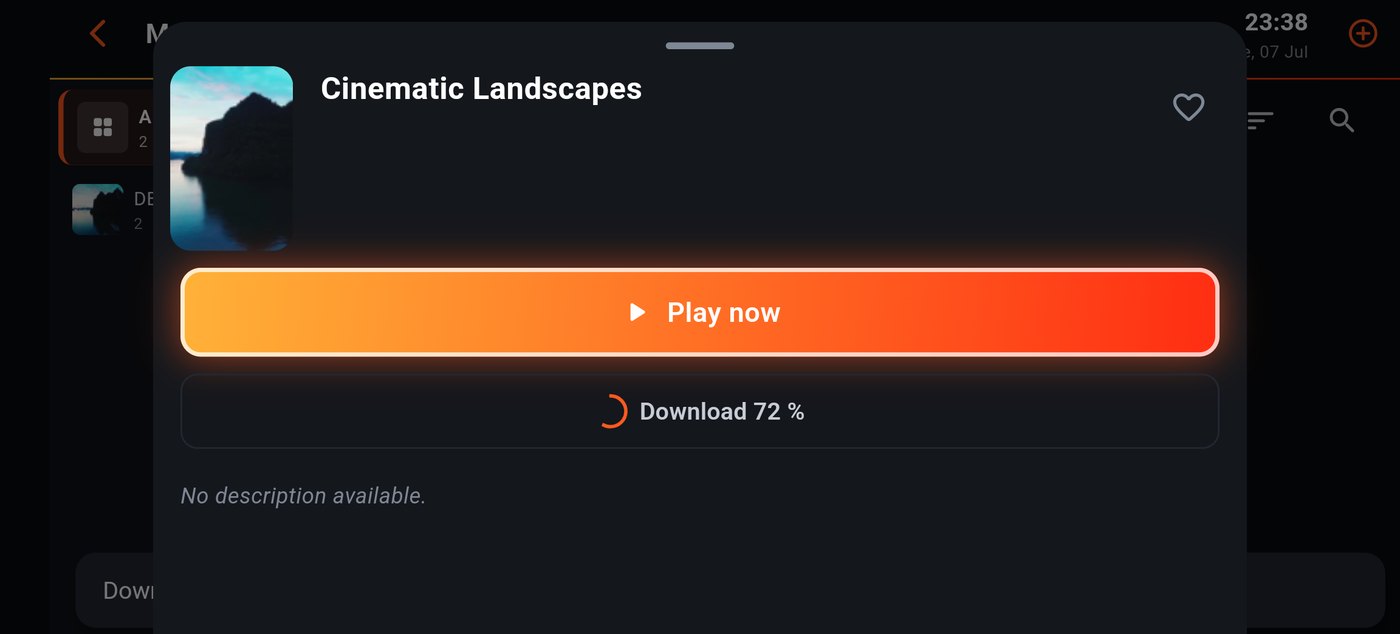
Open any movie for its synopsis, cast and rating. Press Play to start — if you've watched before, it resumes where you left off, with a Start from beginning option. Tap Download to save it for offline viewing.
Series & episodes
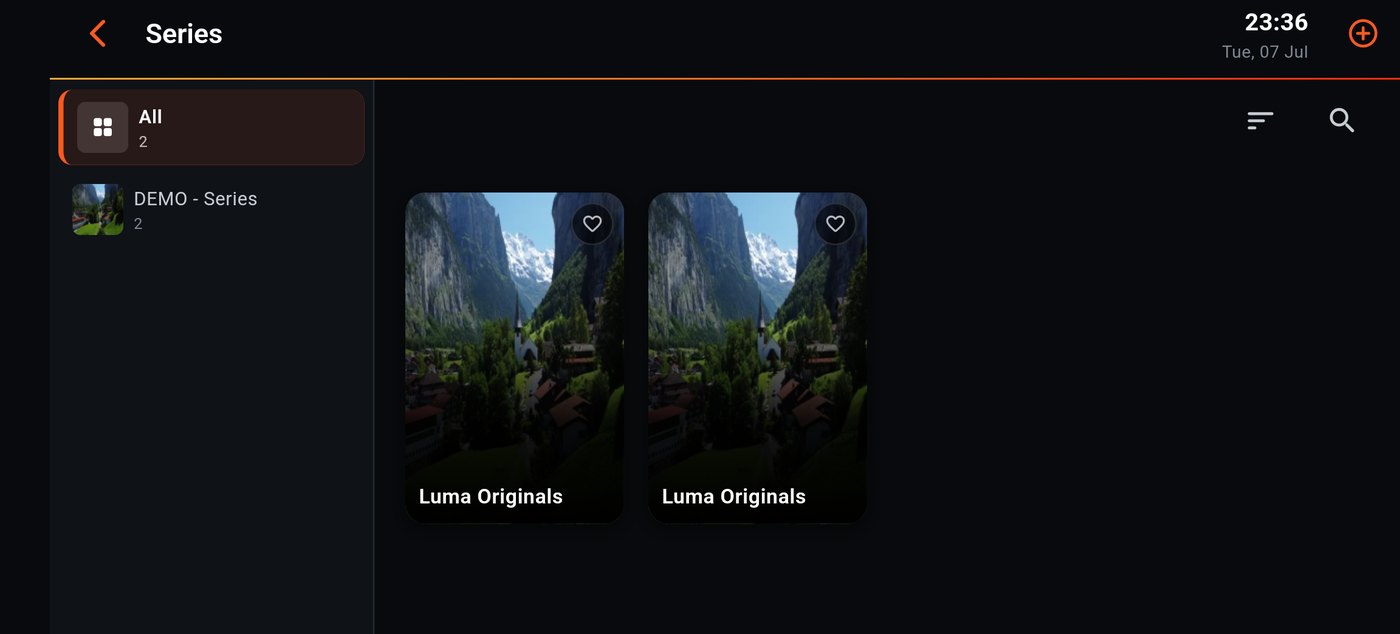
The Series section works like Movies, with full season and episode lists inside each show. Pick a season, choose an episode, and Luma Player offers the next episode automatically when one finishes.
Offline downloads
Save movies and episodes straight to your device and watch them with no connection — perfect for travel. Track progress in the notification and manage saved files under Settings, Downloads.
Parental control
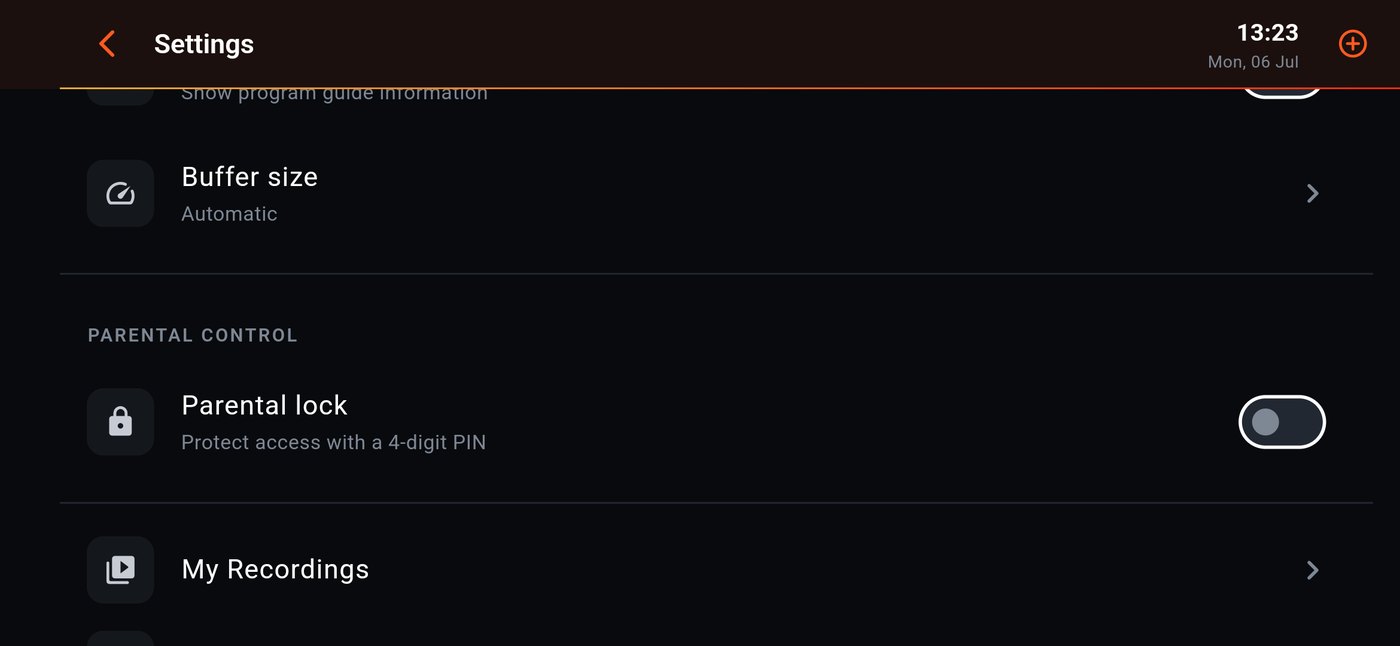
Turn on Parental lock in Settings to protect access with a 4-digit PIN. Adult-labelled categories are automatically sorted to the end and can be hidden behind the PIN.
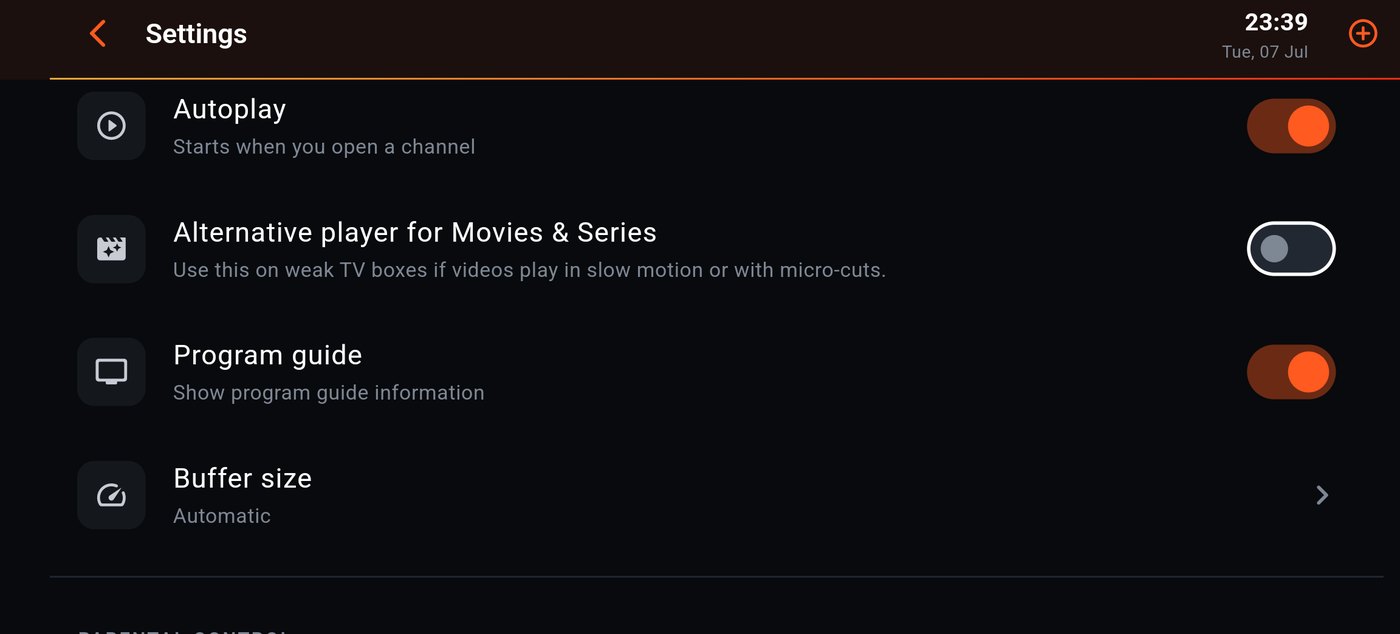
Settings & performance
Fine-tune playback: switch the alternative player if video stutters on a weak TV box, adjust the buffer, enable autoplay, start on boot, or resume your last channel. Sensible defaults mean most users never need to touch these.